Appearance
Timetable views
Who this is for: All roles with portal access; editors need config.manage for commitment edits
What you'll achieve: Explore who is booked and on duty using person, timeline, and zone views
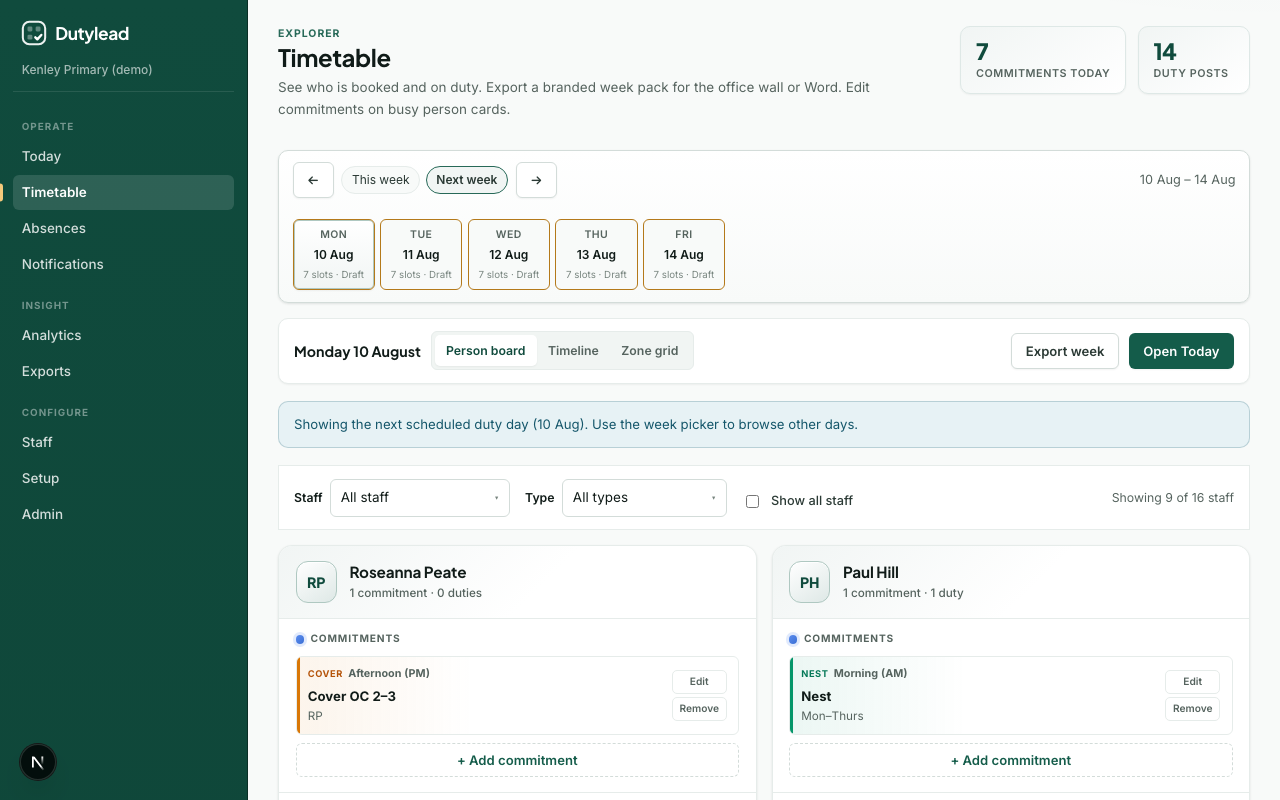
Open Timetable
- Select Timetable in the sidebar.
- Choose the week with the week picker.
- Pick a view mode.
View modes
By person
Cards per staff member showing duties and weekly blocks. Best for “who is overloaded?” People with the most bookings that day are listed first. People with no duties, lessons, or weekly blocks sit at the bottom when you show all staff. A duty copied from the weekly template shows a Fixed tag. That person stays on that post each new week until you change the weekly template. Duties carry the same amber clash tags as the Today board, including same-time duties at another school. When Microsoft profile photos are enabled, people with portal access show their Entra photo instead of initials.
A lunch session that you split with Split session still shows as one duty on that person when they cover every consecutive part. The halves stay separate when different people take each part. Allocated lunch breaks appear as a lunch block on the card, not as a duty. If rebuild could not take them off a lunch post without leaving it short, the card shows No lunch break with a note. Users with publish access can Change that lunch on this day only: pick a start time and length. Remove takes that day's break off. Other people are not recalculated. If the new window overlaps that person's own duties, lessons, or weekly blocks, a warning shows. You can still save. Duties stay where they are. By area still lists each half as its own row so you can see cover per slice.
Users with publish access can change cover from the card:
- Add commitment is also how you put this person onto a duty session or give them a lunch break for this day only. Choose Duty session (this day) or Lunch break (this day), then confirm a manual override. That change is locked, so a later rebuild keeps it unless you remove it. If they are on a staff lunch break or already on duty at another school at the same time, the same confirm covers that clash. Weekly blocks still use the same button with Weekly block.
- Replace on a duty opens a picker with search and filters. Eligible cover is listed in preference order (Often, then Sometimes, then Only if needed). Scroll the list or search a name, then pick someone to take that post. The person you replace comes off; the post count stays the same.
- Swap on a duty opens a picker of people already on another post that day. You exchange places (for example Paul on KS1 playground with someone on KS2 playground). Both posts keep the same headcount. This is not Replace: nobody new is added.
- Remove on a duty asks you to confirm first, even when remaining staff still meet the minimum. If the post would go below its minimum, SchoolRota asks you to replace them. You can still Force remove and leave the post short.
- Remove in the card header (and on a person’s week) can take them off every duty this day or this week. That also asks you to confirm first. The same below-minimum warning applies.
- Change on a lunch block moves that person's break for this day (start time and length) without rebuilding the rest of the rota. Remove takes that day's break off. Rebuild does not put a removed lunch back.
Live days open as a draft first. Build day, Build week, Publish day, and Publish week sit in the Timetable toolbar. Build uses the same cover engine as Today. The same replace, swap, remove, and lunch change work is available in chat.
Use View week on a card, or pick one person in the Staff filter, to open that person’s week: duties, lessons, and weekly blocks for every school day. The same week view opens from a name in Timeline or a staff chip in By area. Choose Back to all staff or All staff in the filter to return to the school board.
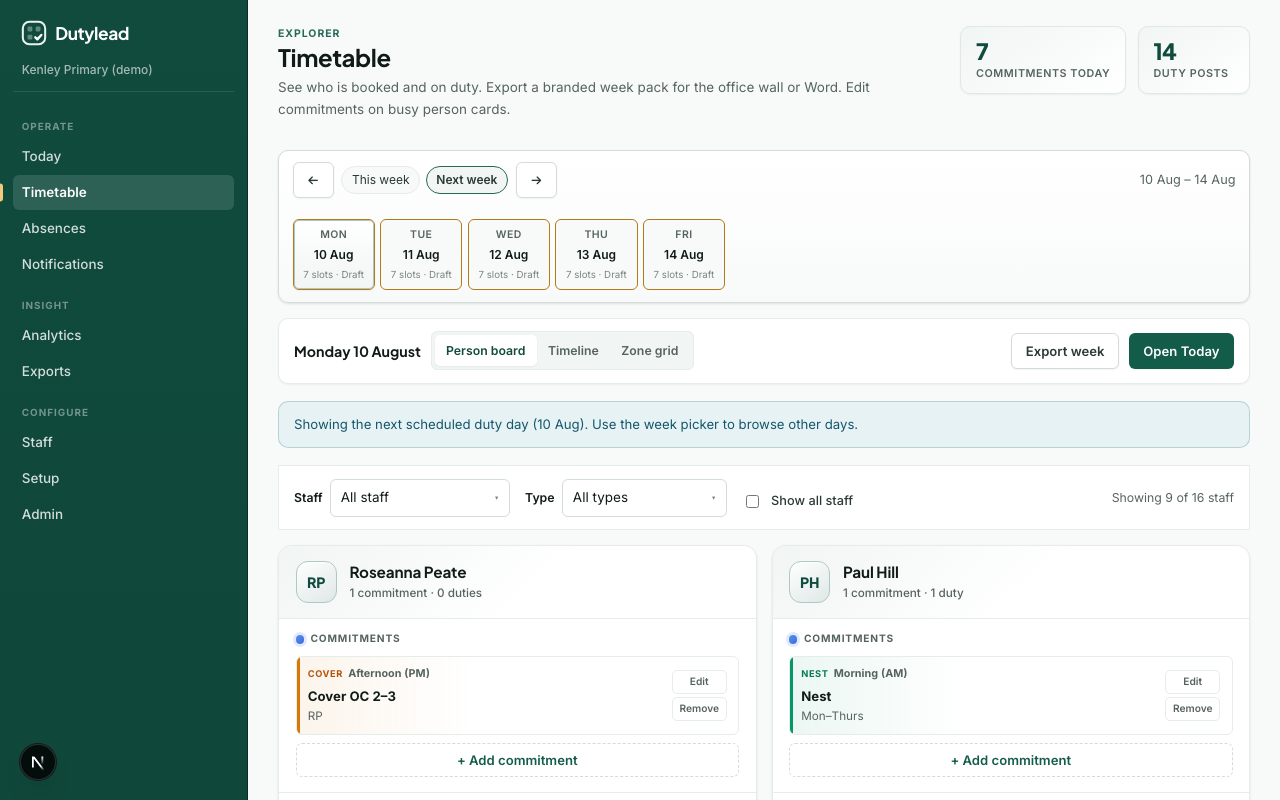
Timeline
Chronological view of events across the day. People use the same order as By person: most bookings first, then people with a free day. Shorter slots (about 45 minutes or less) show the time and title on one line so the label is not cut off. Hover a block for the full text. Fixed weekly pins show Fixed on the duty block.
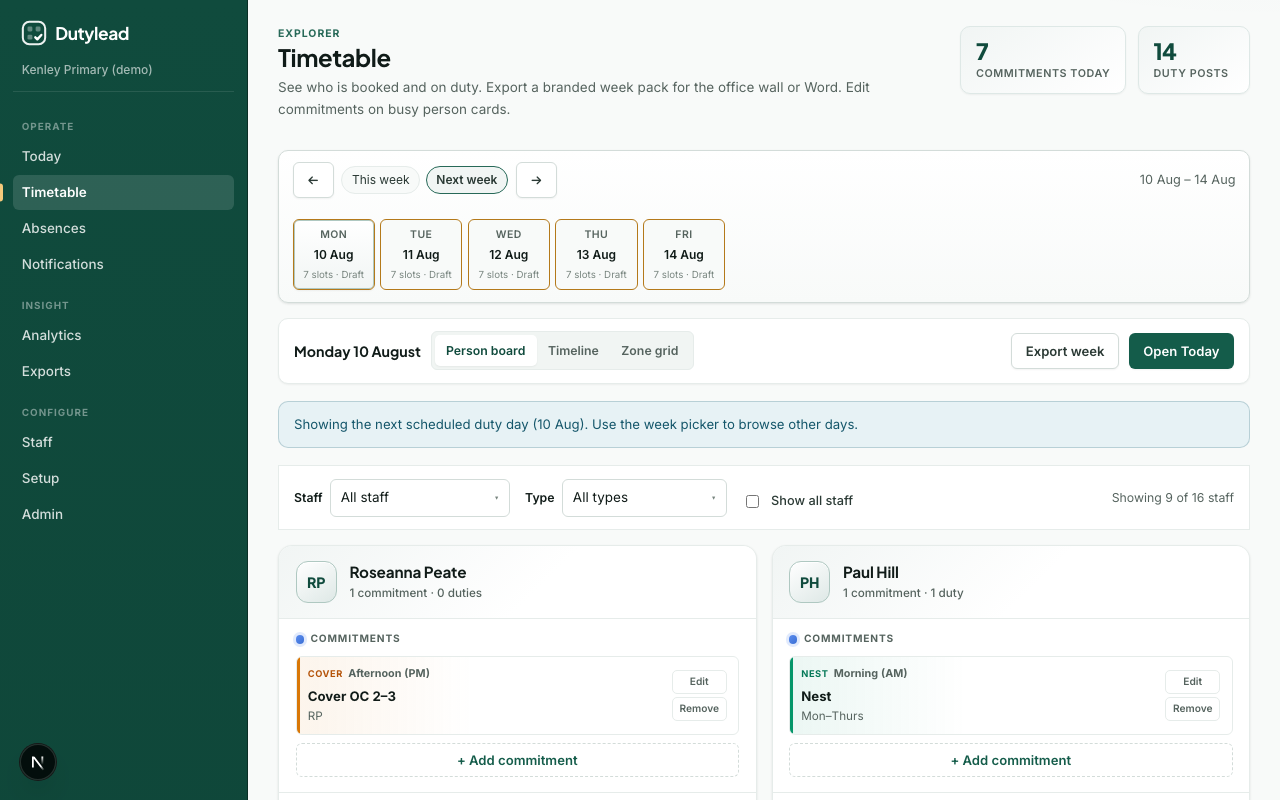
By area
Slots organised by duty area: best for playground / hall coverage checks. A split session shows as two rows (for example Playground, first half and Playground, second half) with their own times and staff. Each staff chip is coloured by cover preference: green for Often, amber for Sometimes, red for Only if needed. A Fixed label means they are pinned on the weekly template.
When a post has nobody assigned, or is below its minimum, Timetable shows a red Unfilled count in the page header and a banner listing those posts. Once someone is assigned and the minimum is met, that Unfilled badge is removed (a lead-required post with one person is filled). If the post is still short of its ideal count it may show At risk instead. Users with publish access can assign cover on the By area row (the same candidate list as Today). If you remove the only person from a session, SchoolRota switches to By area so you can fill the gap straight away. Live days open as a draft first. Build and publish this day or the week from the Timetable toolbar when the cover is ready. Chat can assign the same cover.
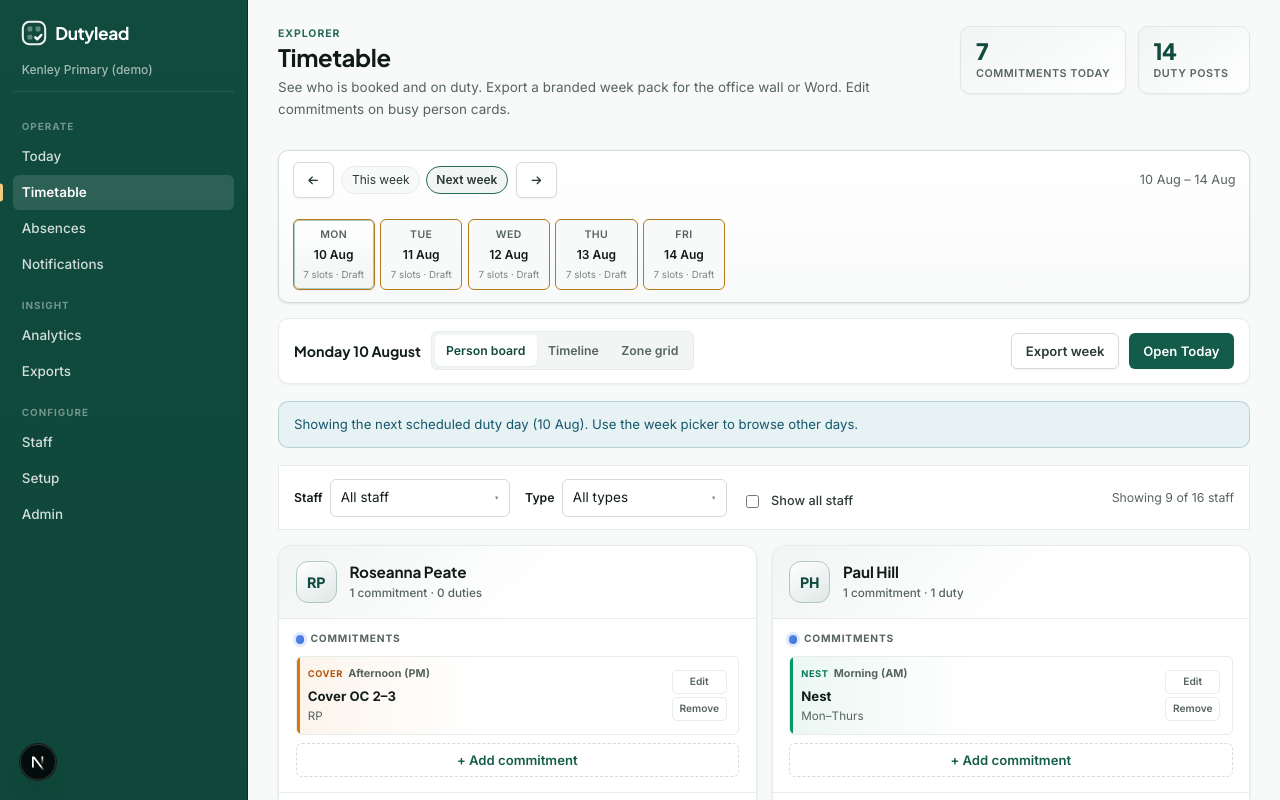
Filters
| Filter | Use |
|---|---|
| Staff member | Focus on one person, or open their week timetable |
| Activity type | Duty vs weekly block kinds (phonics, intervention, PPA, and the rest) |
| Show all staff | Include people without posts (they appear at the bottom) |
Stats summarise commitment count and duty posts for the current filters.
Editing commitments
On person cards, users with config.manage can edit commitments inline. See Weekly commitments.
Build and publish from Timetable
Users with publish access see Build day (or Rebuild day once a board exists) and Build week in the toolbar. These use the same cover engine as Today: Build week fills every school day, then recalculates the week again so Monday is not planned in isolation.
Publish day (when the selected day is a draft) and Publish week use the same cover-policy rules as Today: a day with a blocking clash stays unpublished, and week publish skips days that are not ready or already live. Staff are notified the same way.
Open Today opens the slot board for lesson cover, mark off, clash resolve, and the board summary. You do not need it to build or publish.
Jump to duty day / Today
Use the week picker to jump to the next scheduled duty day. Open Today is for the operational slot board, not for building.
Week export
Use the toolbar Week export menu to download a week pack (Word, Excel, print, or PDF) without leaving Timetable. Packs use the school logo and colour when those are set. After you open one person, use Export on their week panel to print or save only that person's rota (day or week). Details: Exports.