
Appearance
Analytics
Who this is for: Duty lead, Office, Admin, Tenant owner
What you'll achieve: Review coverage health, duty load fairness, and notification reliability
Requires role
analytics.view
Steps
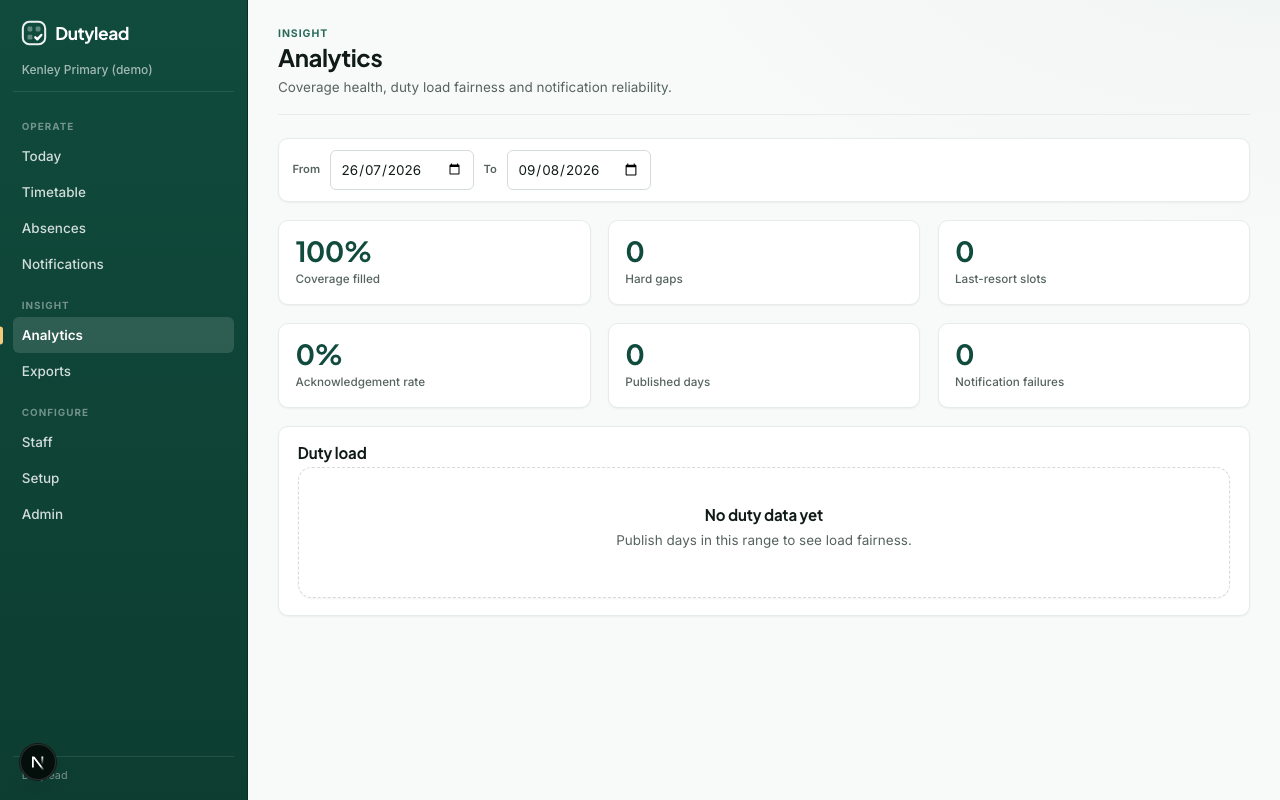
- Open Analytics.
- Set the From and To date range.
- Review summary cards and the duty load table.
- Open a card, zone bar, or unfilled row to jump to the matching day on Today, Absences, Notifications, or the timetable.
Summary cards
| Metric | Meaning |
|---|---|
| Coverage filled | How much of required cover was filled |
| Unfilled posts | Required posts with nobody assigned. Opens Today filtered to unfilled slots on the latest gap day in range |
| Emergency cover used | Posts filled by someone marked “Only if needed”. Opens Today filtered to those posts |
| Absences recorded | Active absences overlapping the range. Opens Absences |
| % confirmed by staff | High-priority notifications confirmed as read. Opens Notifications |
| Published days | Days published in the range. Opens the timetable |
| Notification failures | Delivery problems |
When there are unfilled or only-if-needed posts, a table lists each one. Open a date or area to see that post on Today.
Duty load table
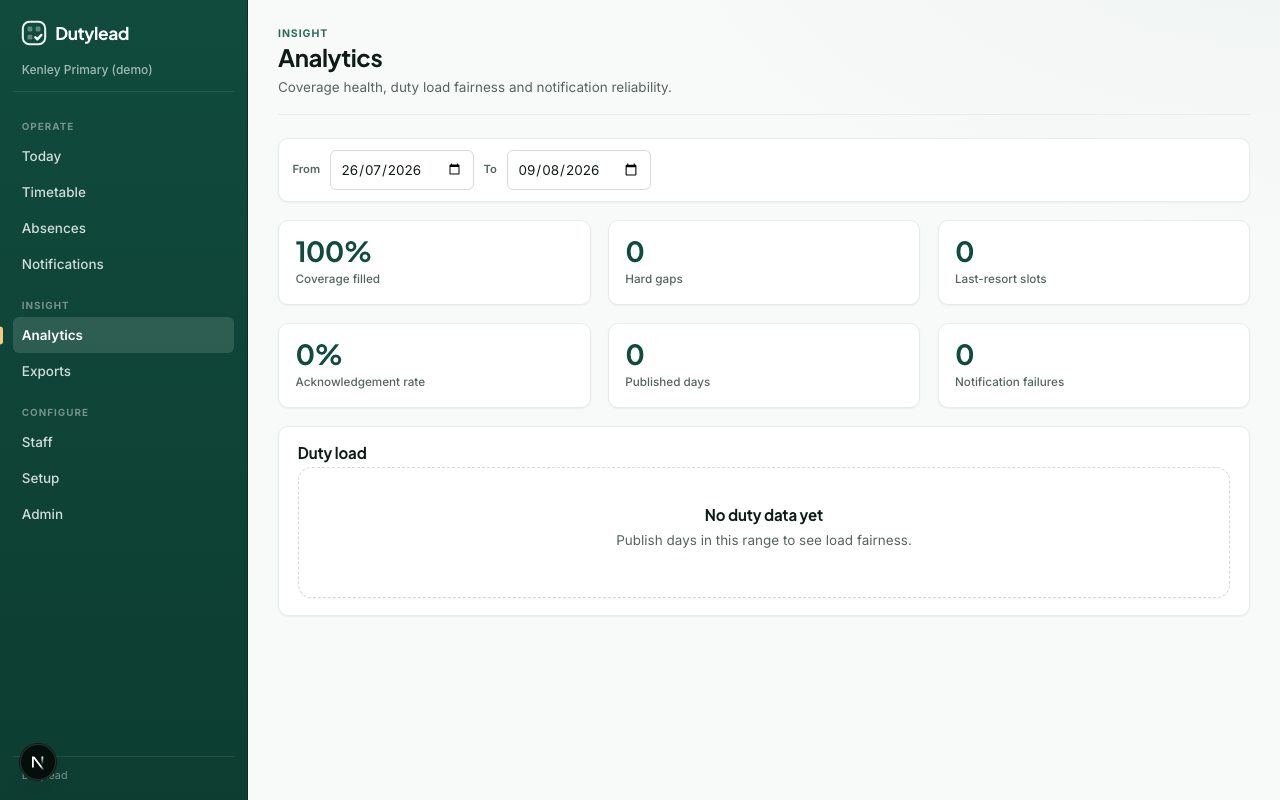
Per-staff duty count and only-if-needed count: use this for fairness conversations (“who is carrying lunch duty?”). Deactivated staff are omitted so leavers do not still appear as current load. Opening Analytics also drops leftover leaver assignments from boards in the date range.
Tips
- Compare a quiet week vs a sickness-heavy week
- Pair with Exports when presenting to SLT
- If only-if-needed counts are high, revisit grade ask order and cover preference