
Appearance
Exports
Who this is for: Duty lead, Office, Admin, Viewer (export permission)
What you'll achieve: Download week packs or single-day files for sharing and analysis
Requires role
export.create
Email rota to staff
Admins and duty leads with export permission can email the duty rota as a PDF or Word attachment without leaving the Exports page.
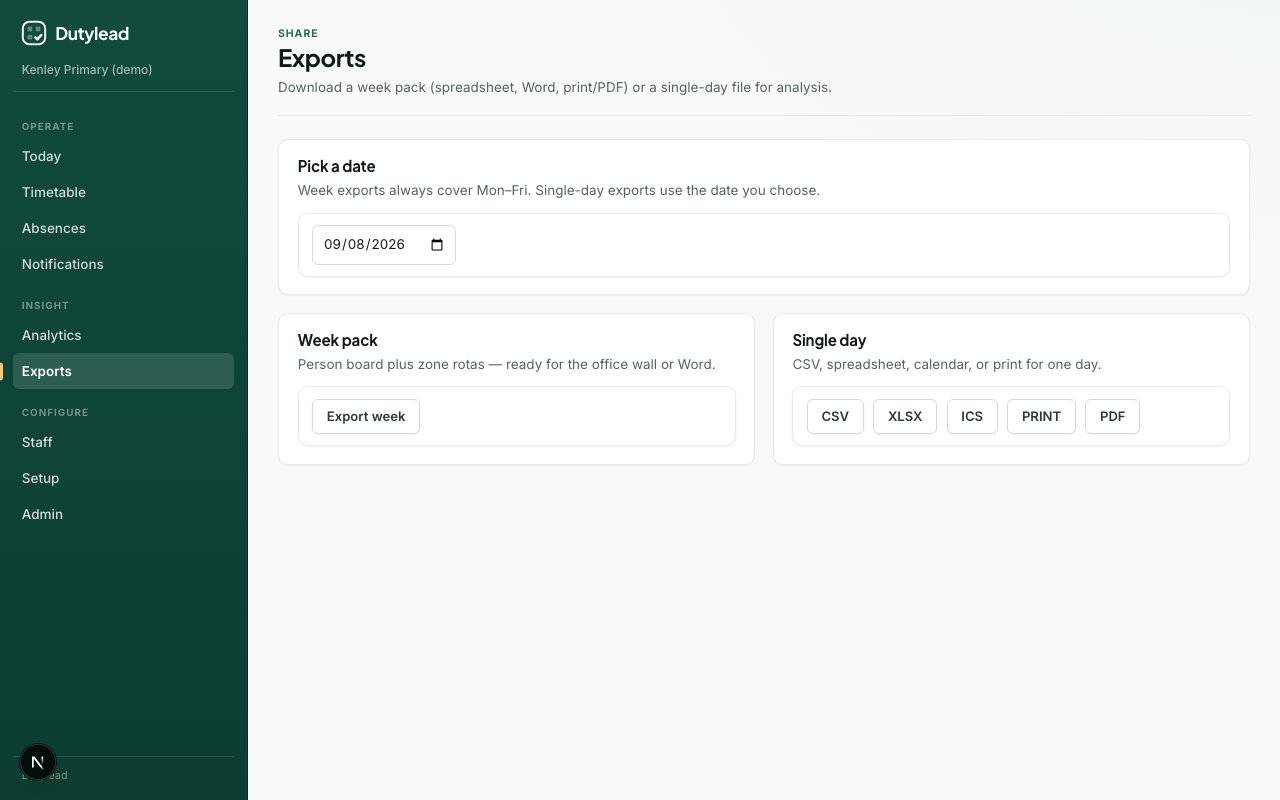
- Open Exports and choose the date (week picker sets the Monday of the week).
- In Email rota to staff, choose:
- This day or Full week (Mon–Fri)
- On rota only (assignees on the board) or All staff (everyone with an email)
- PDF (default) or Word
- Review the recipient count, then select Email PDF rota (or Word).
Recipients need an email address in the staff directory. This is a manual send - separate from automatic publish document email and notification rules.
A compact version of the same panel appears on Today after you build a day.
Publish first
For staff-facing rotas, publish the day or week first so the document matches what was notified.
Automatic PDF rota for staff
Under Notifications → Automatic email settings, turn on Email rota document to staff on the rota (on by default for new schools). Staff on the board receive a short email with the PDF (or Word) rota attached, designed so they can open, print or keep the document without logging in.
Choose When published (sends as soon as you publish) or On a schedule. A schedule uses the school timezone from Setup: daily from a time you set for that day's rota (for example 07:00 on the morning of the duty), or weekly for the current week pack. Scheduled mail waits until the board is published, goes out once per day or week, and never sends at publish time.
Week publish, with When published, sends one week pack email, not one email per day.
Week pack (Mon–Fri)
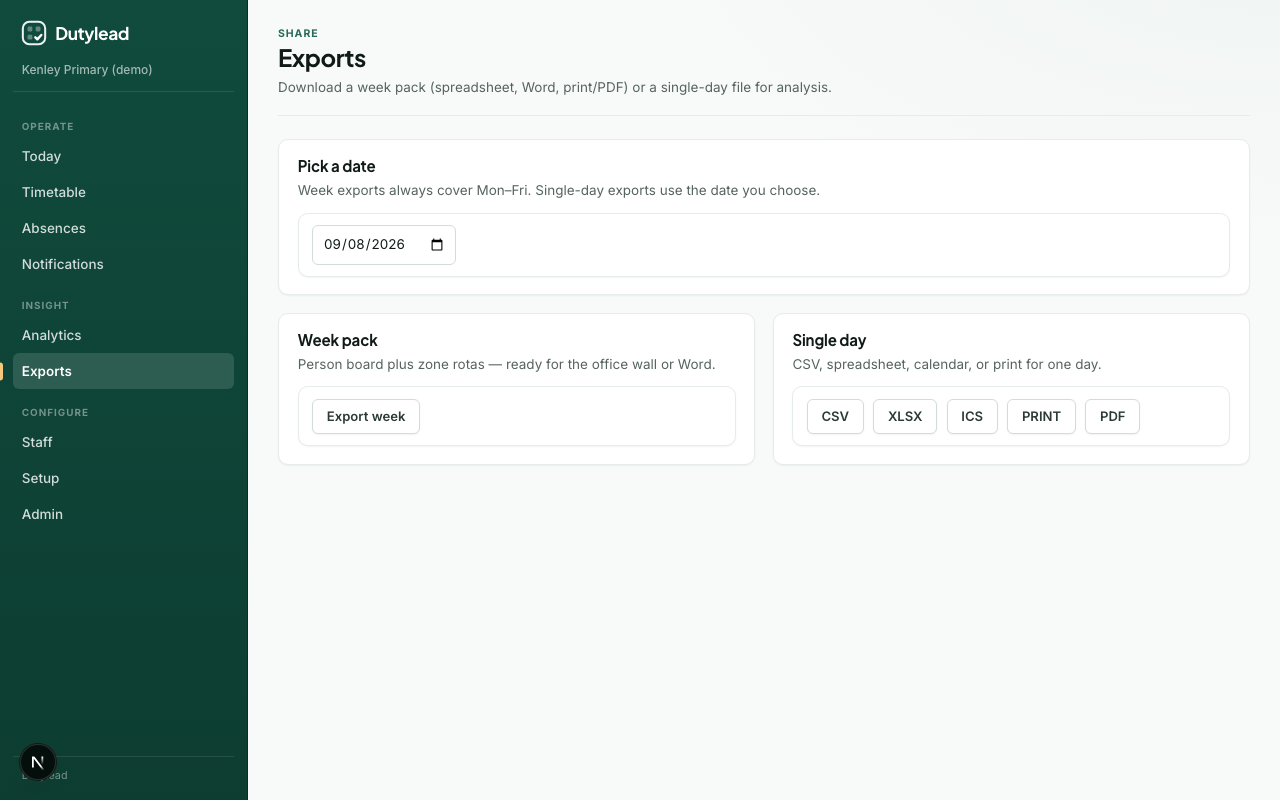
Week exports always cover Monday–Friday for the selected week. The staff grid lists people who have at least one duty that week. Lunch-only (or other commitment-only) rows stay off the grid so the pack stays readable.
| Format | Use |
|---|---|
| Spreadsheet (XLSX) | By person + duty area rotas. Split sessions list as first half / second half |
| Word (DOCX) | Branded document for circulation |
| Print pack (HTML) | Open in browser → Print |
| Save as PDF | Use the browser print dialog |
Steps
- Open Exports, the Timetable week export menu, or Export week on Today.
- Select the week.
- Choose the format and download.
One person's schedule
Anyone with a linked staff profile can export their own day or week from My schedule (print, PDF, or CSV). Duty leads and other export roles can also export one person after opening them on Timetable.
Staff do not need the Exports page for this. The file is just that person's lessons, duties, and weekly blocks.
Single day
| Format | Use |
|---|---|
| CSV | Flat analysis |
| XLSX | Duties + Weekly blocks sheets |
| ICS | Calendar import (subscribe / download) |
| Outlook write-back | Post-pilot: push to staff Outlook when integration enabled: see Outlook calendar |
| Print / PDF | Noticeboard / email attachment |
Steps
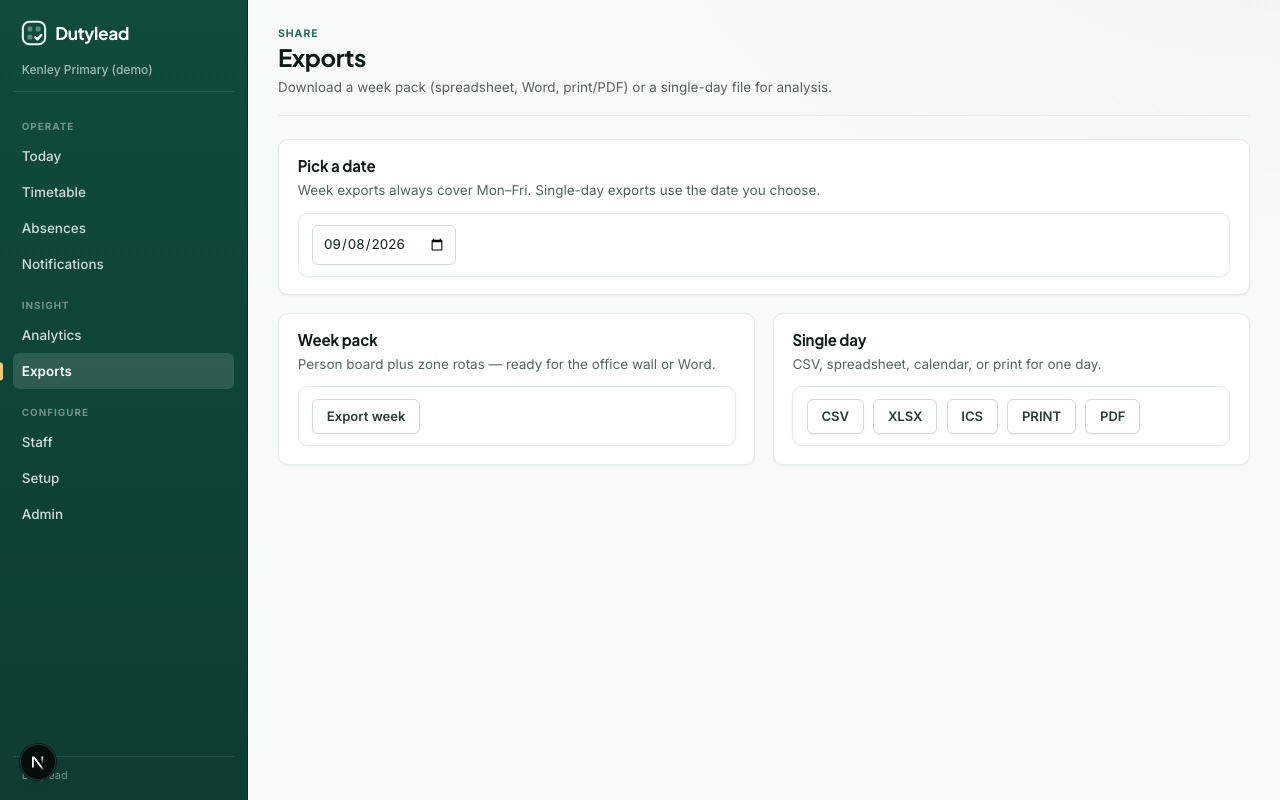
- Choose the date on Exports or Today.
- Select the format (Export day on Today).
- Download.
Publish first?
Exports reflect the current day revision data. For staff-facing packs, publish the day first so the export matches what was notified.
Branding
Week and day Word, PDF / print, and Excel files use the school name, primary colour, and logo (when one is uploaded). Those visual packs print in landscape so timetable grids have room across the page. The SchoolRota mark stays on the cover as a small credit. CSV stays a plain data file so other systems can import it. Calendar (ICS) files use the school name as the calendar title.
A PNG or JPEG logo (square or near-square, transparent background if you can) reads most clearly on the cover. Word and Excel cannot embed WebP, so upload PNG or JPEG if you want the logo in those files. Dense week packs keep the full staff grid and start each daily rota on a new page, so a busy week may use extra pages to stay readable.
What happens next
Troubleshooting
| Problem | What to try |
|---|---|
| Empty export | Build the day/week on Today first |
| Wrong week | Check the week picker (Mon–Fri window) |
| PDF looks wrong | Use Print → Save as PDF with background graphics enabled |
| Logo looks small or stretched | Re-upload a PNG or JPEG. A square or near-square image works best |
| Week pack is longer than before | Extra pages are expected so staff names and duty cells stay readable |
| Email rota: no recipients | Staff need email addresses; try On rota only only after building the board |
| Email rota failed | Check EMAIL_PROVIDER is not console in production; verify Resend/API key |